Rheinische Hochschule Köln
Smart Mirror
Overview
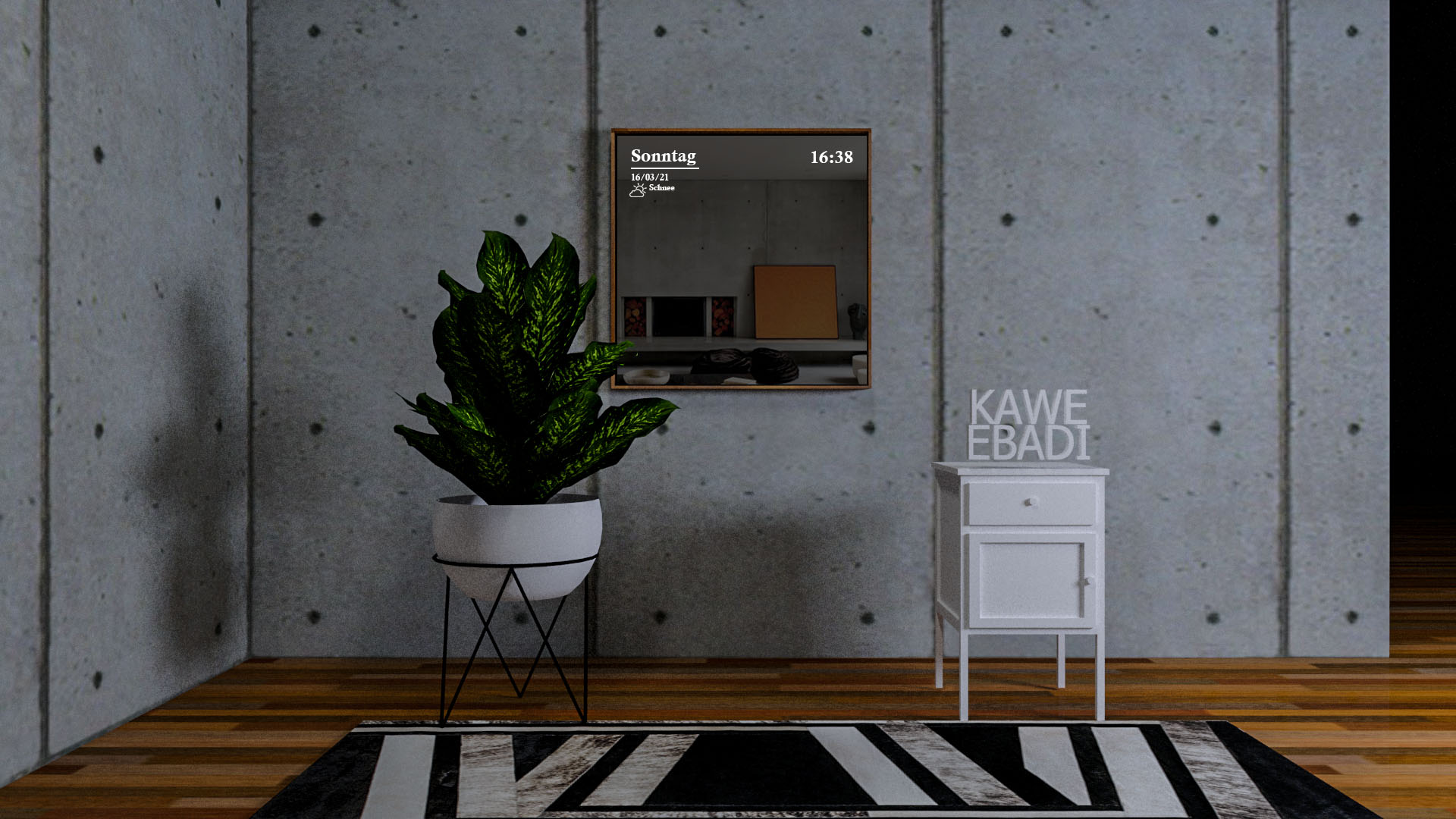
The idea behind this interface is that users can be informed and connected, just like they are with other digital devices such as smartphones or tablets. The smart mirror is a traditional object that has been digitized, allowing the user to stay connected with the world. A mirror that can provide users with information while they are getting ready or applying makeup. It allows users to access the time, date, and weather, as well as providing access to social networks and news.
Problem
No time control
The mirror is one of the last objects in the home that hasn't been integrated into the smart home ecosystem. Users have no way to track time while getting ready, which leads to rushed mornings and missed schedules — all while their phone stays out of reach.
Solution
Mirror becomes your morning hub
A touchscreen interface built directly into the mirror surface, giving users real-time access to time, weather, calendar, and social media — without leaving the mirror. An AR try-on feature lets users preview makeup and hairstyles before applying anything.
Sarah E.
Beauty Enthusiast, 26
- Focus on appearance & trends
- Passion for make-up & outfits
- Regular social media user
- Interest in interior design
- Enthusiastic about smart devices
"Having the time on the mirror would really help me stay on schedule and control how long I take to get ready."
"Sometimes I spend way too long applying my make-up and lose track of time completely."
"The mirror could offer an interesting aesthetic experience if integrated with light and color."
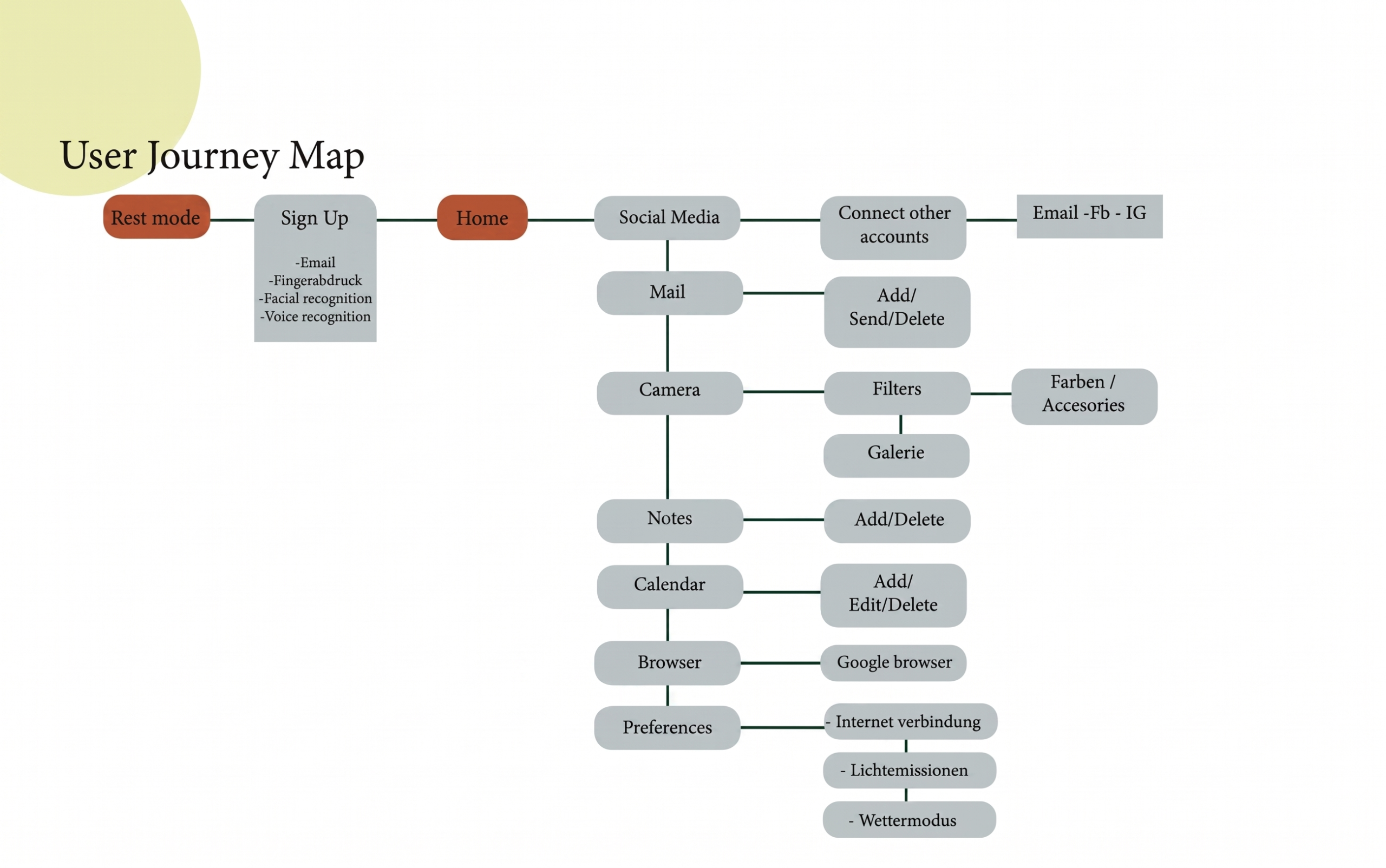
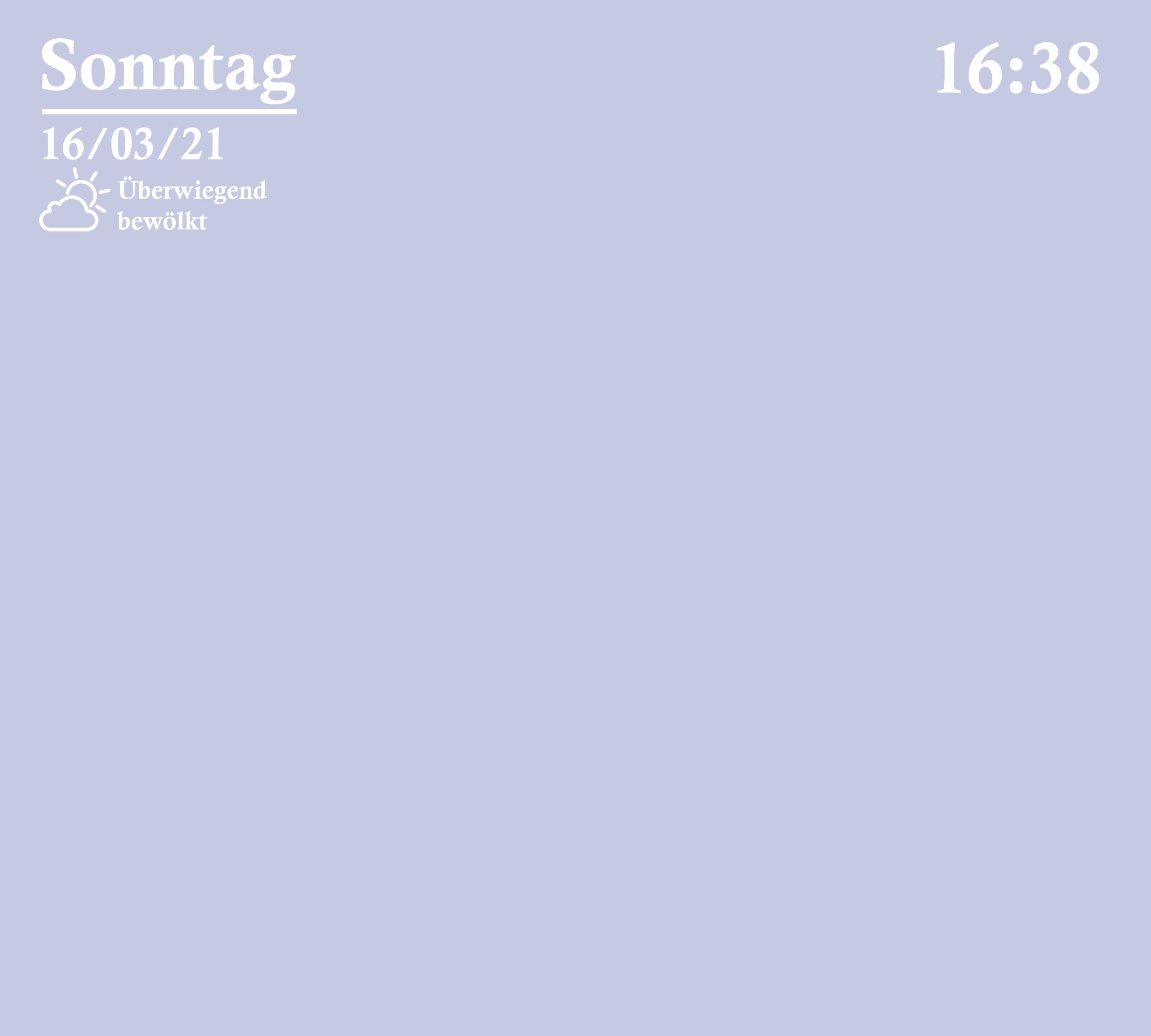
01 · The mirror enters a minimal standby state when not in use, displaying only the time and date on a dark surface
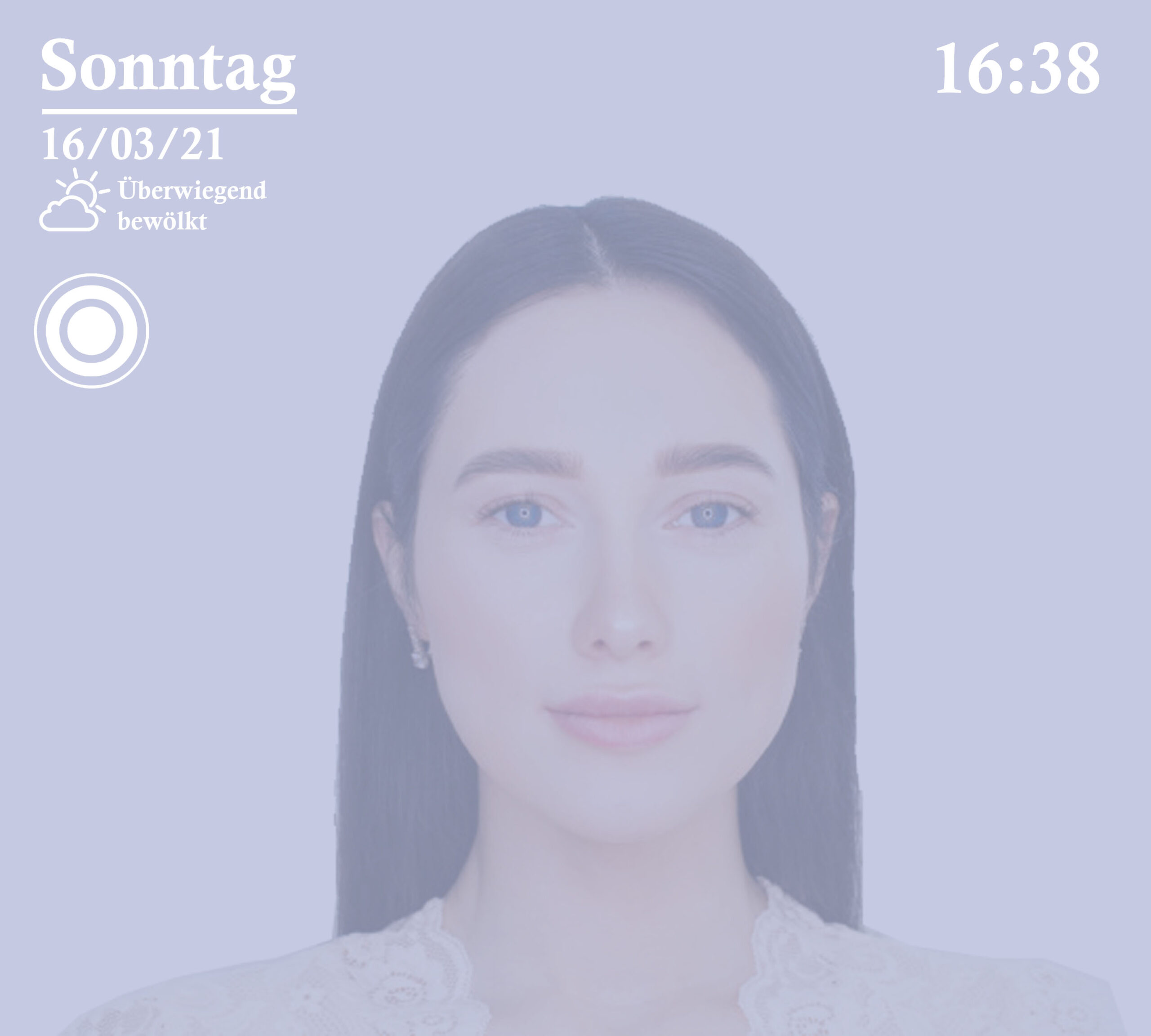
02 · Users unlock the mirror through facial recognition or fingerprint — a seamless, touch-free login for the morning routine
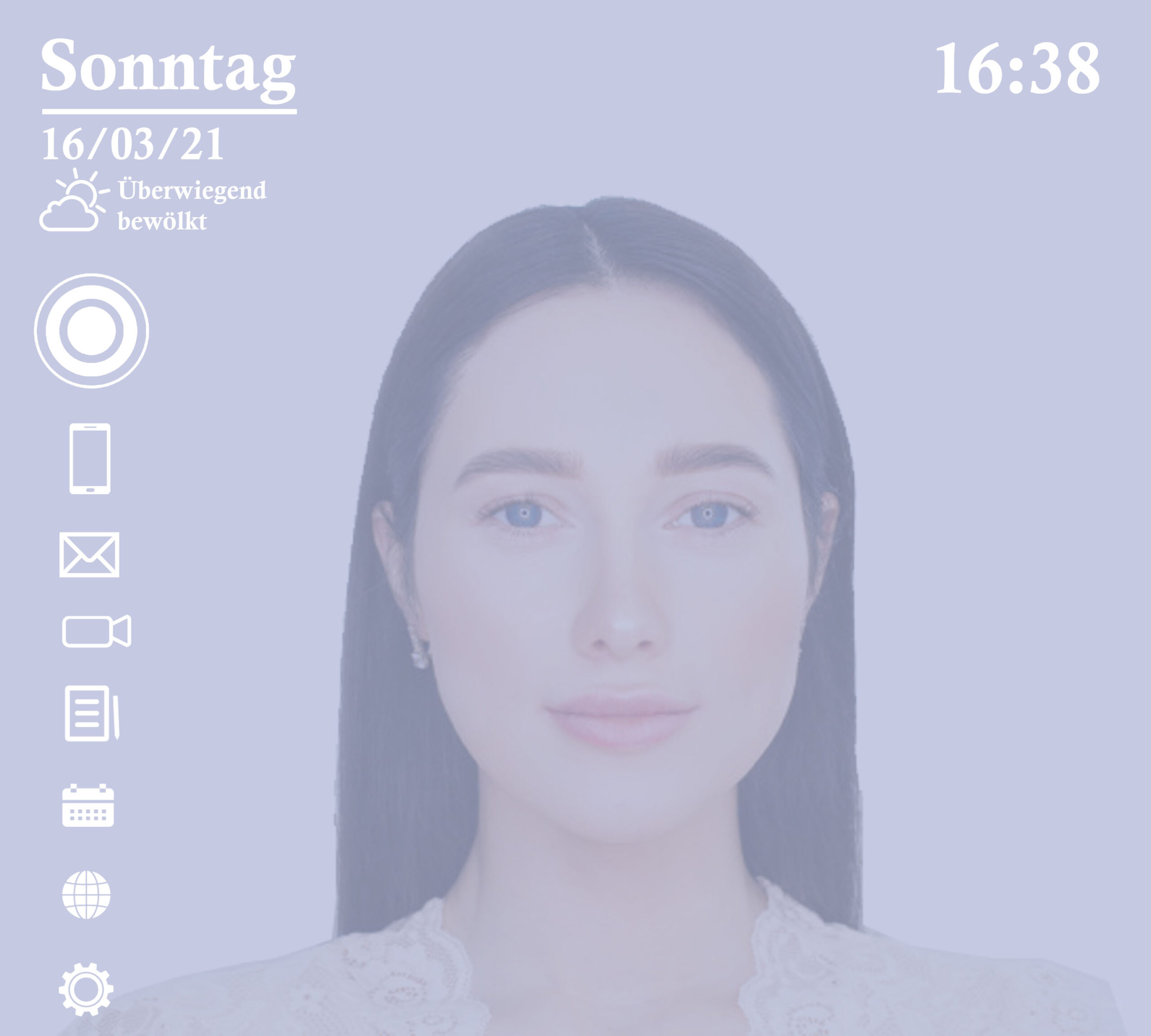
03 · A clean home screen gives users quick access to all features — weather, calendar, social media, camera, and settings
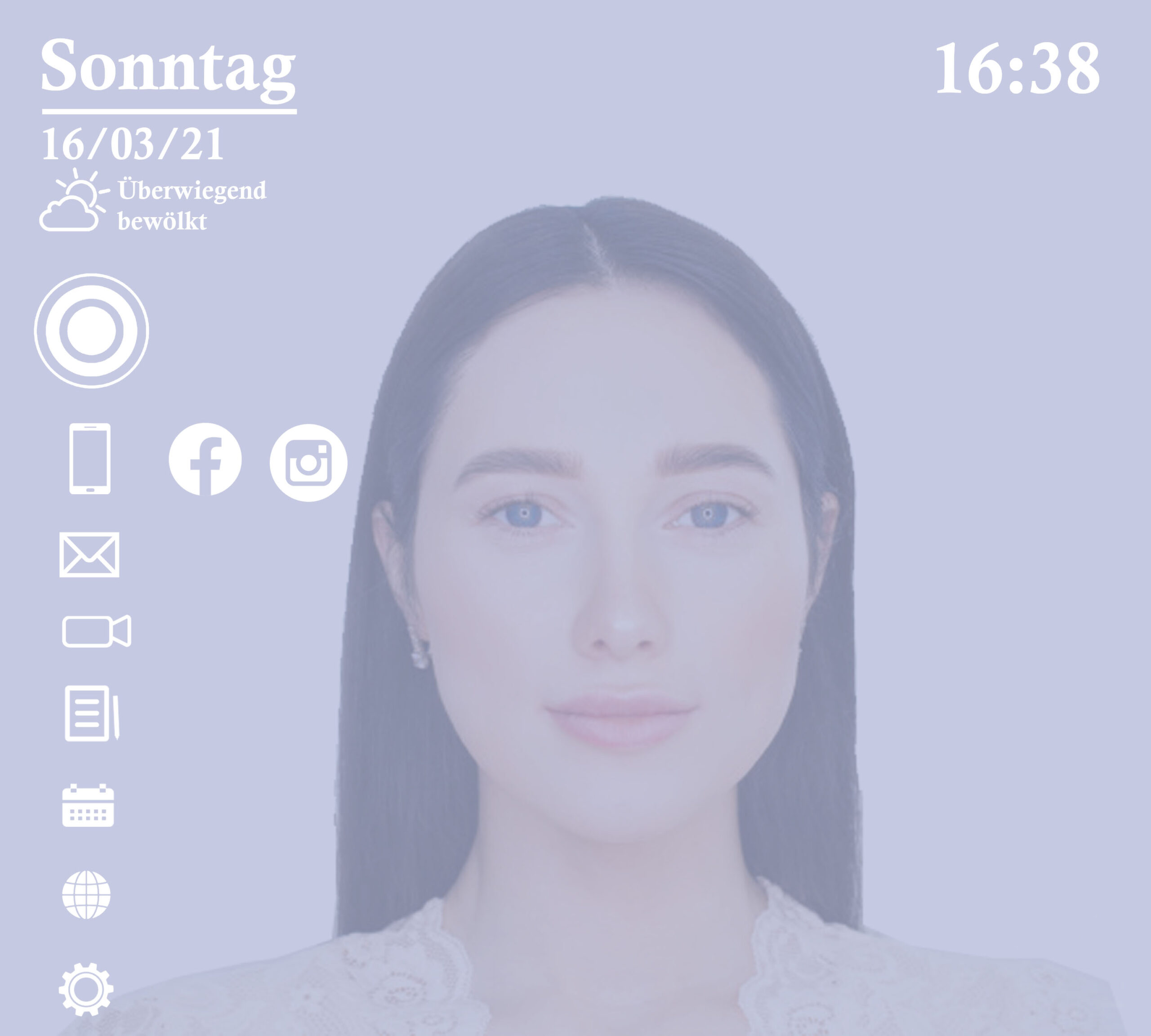
04 · Stay connected without picking up your phone. Scroll through your feed directly on the mirror while getting ready
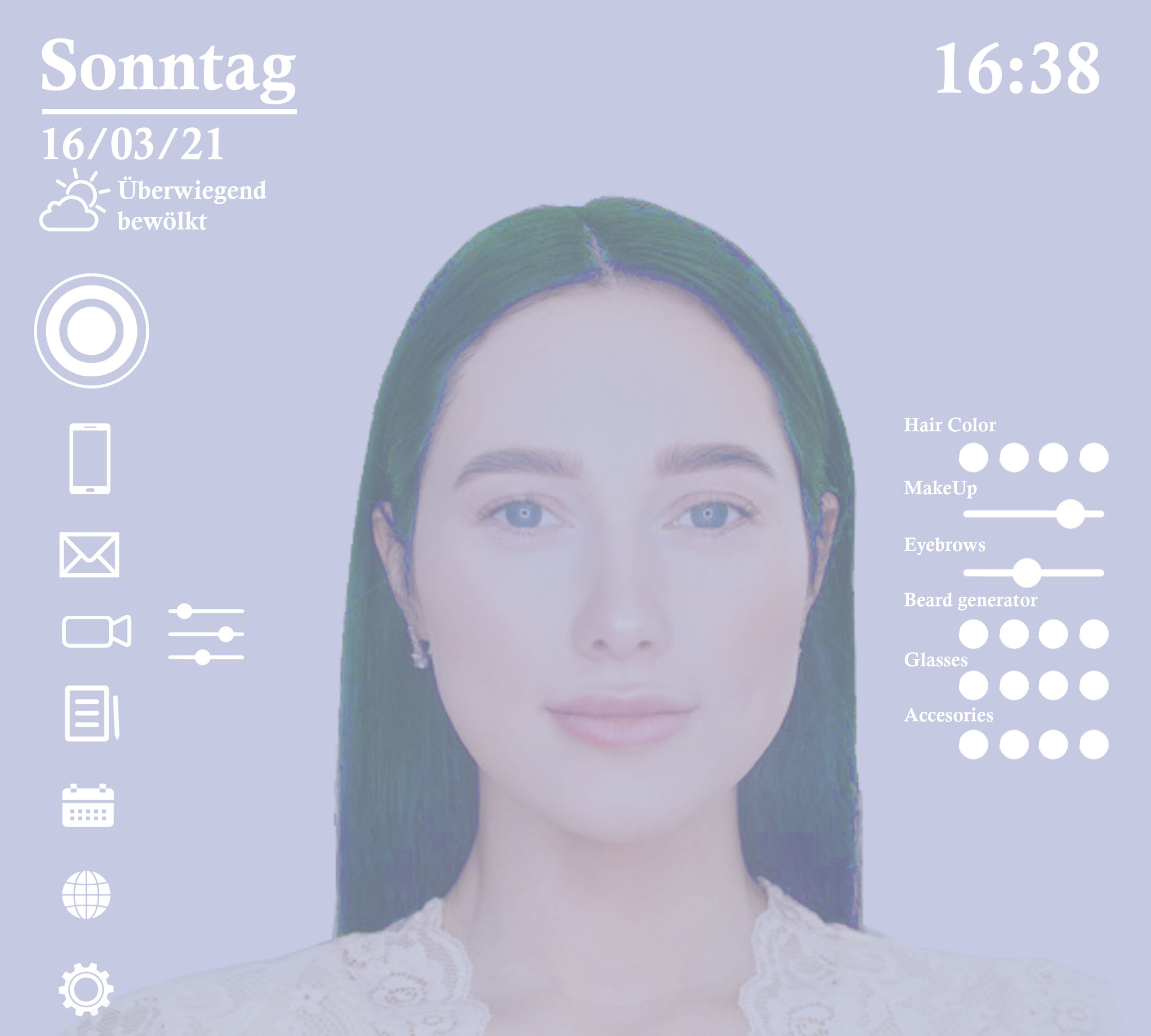
05 · Preview makeup looks, hairstyles, and accessories in real time using augmented reality
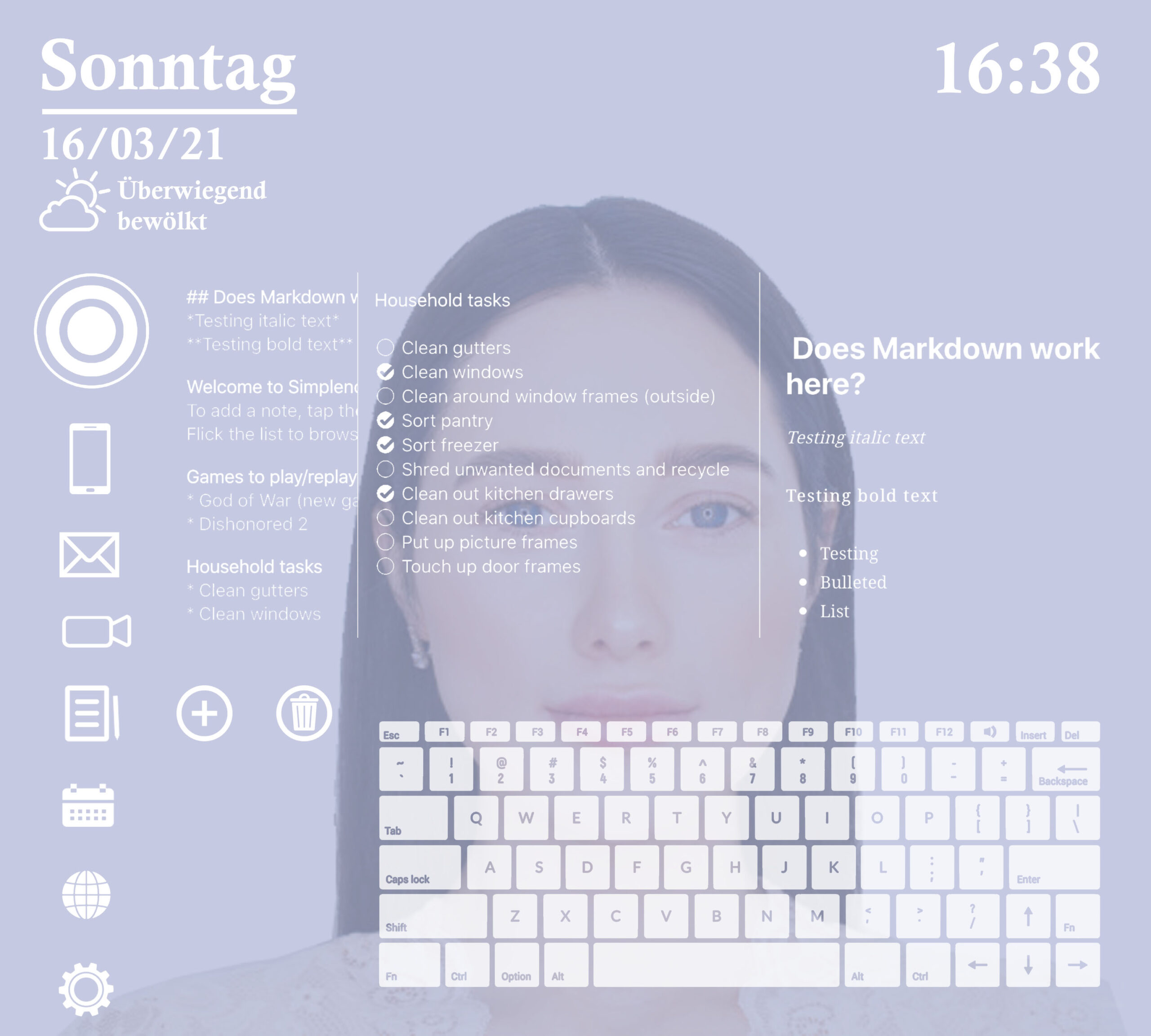
06 · A built-in notes widget lets users jot down quick reminders or to-dos as part of their morning routine
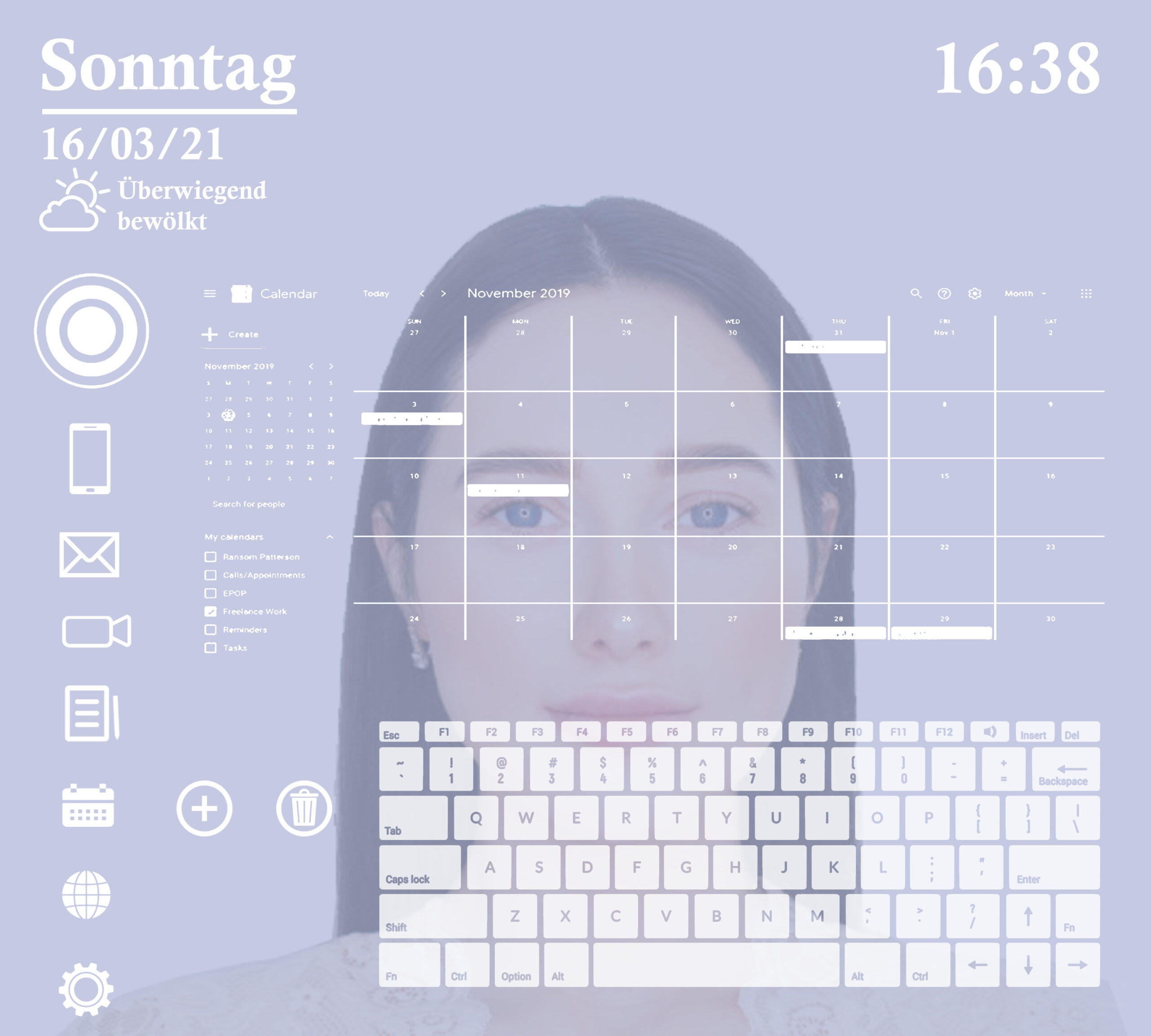
07 · See today's schedule at a glance
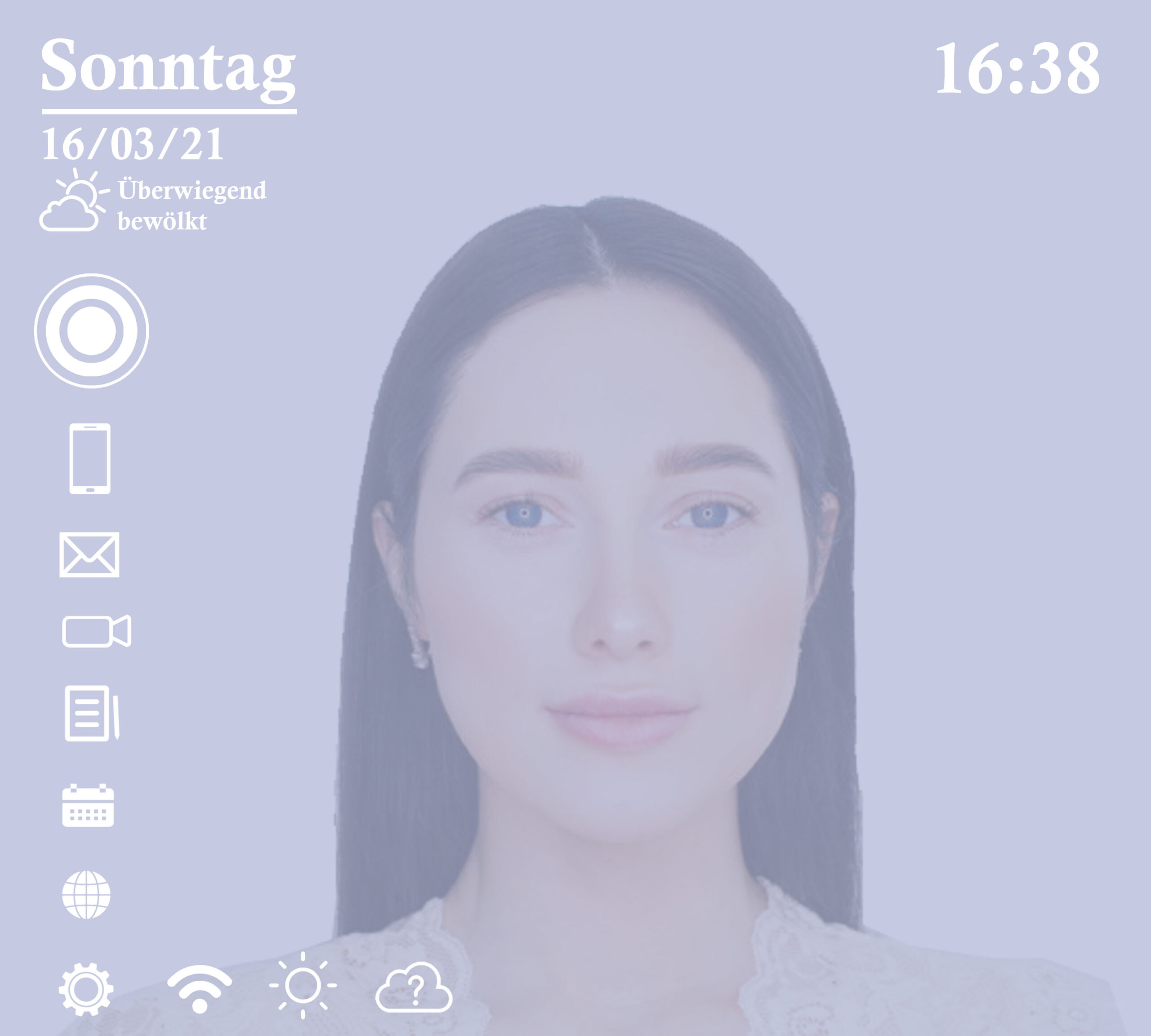
08 · Customise the mirror layout, connected accounts, brightness, and display preferences to fit individual needs
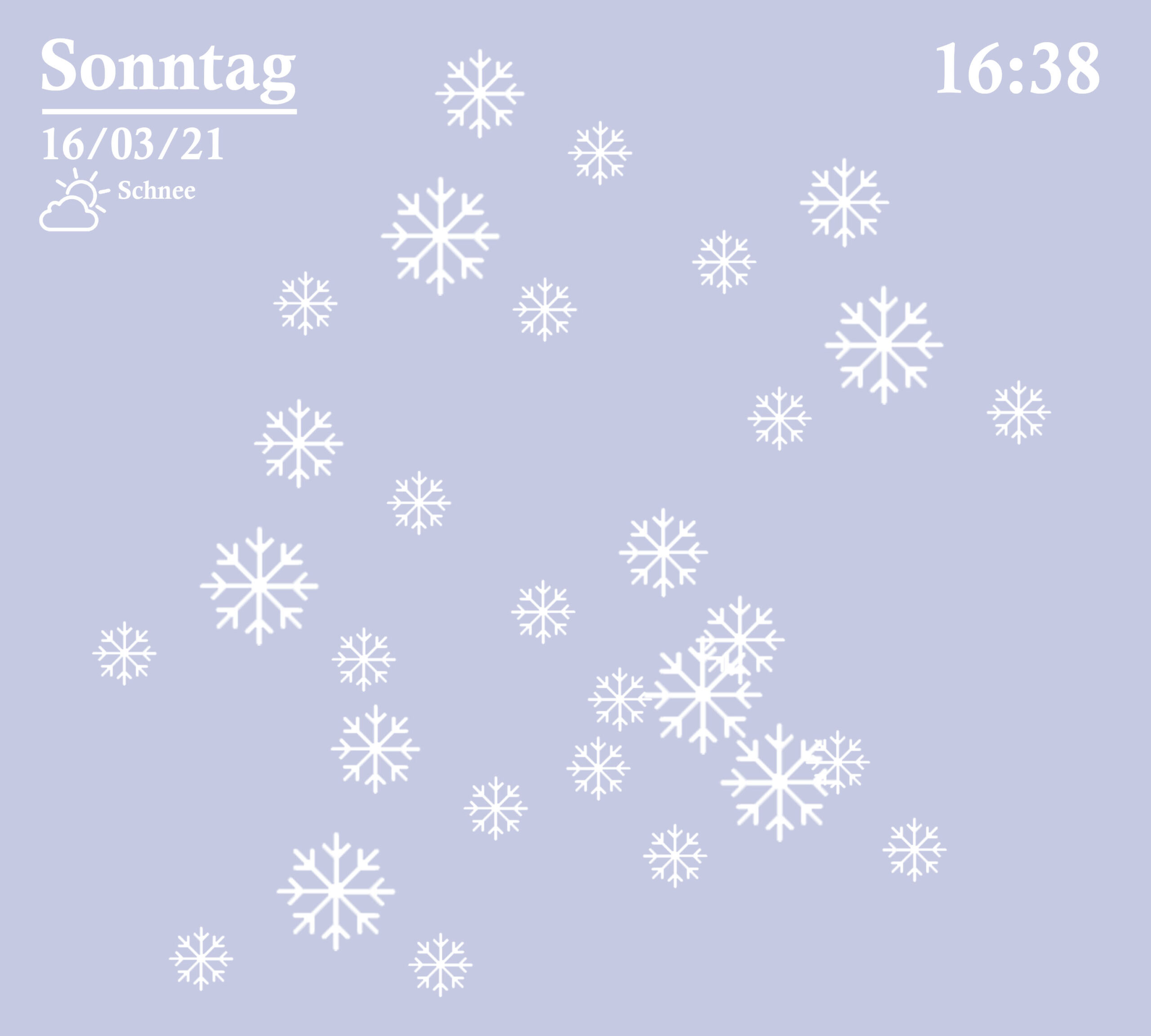
09 · Real-time weather data with animated visuals — so users can plan their outfit and commute before leaving the house
fin.
End of Case Study — Smart Mirror
Thanks
for reading
Want to see more work, talk about a project, or
just say hello? I'd love to hear from you.